
Welcome to Gemini to PDF!
Let's get started with saving your Gemini Chat conversations
Quick Start Guide
1
2
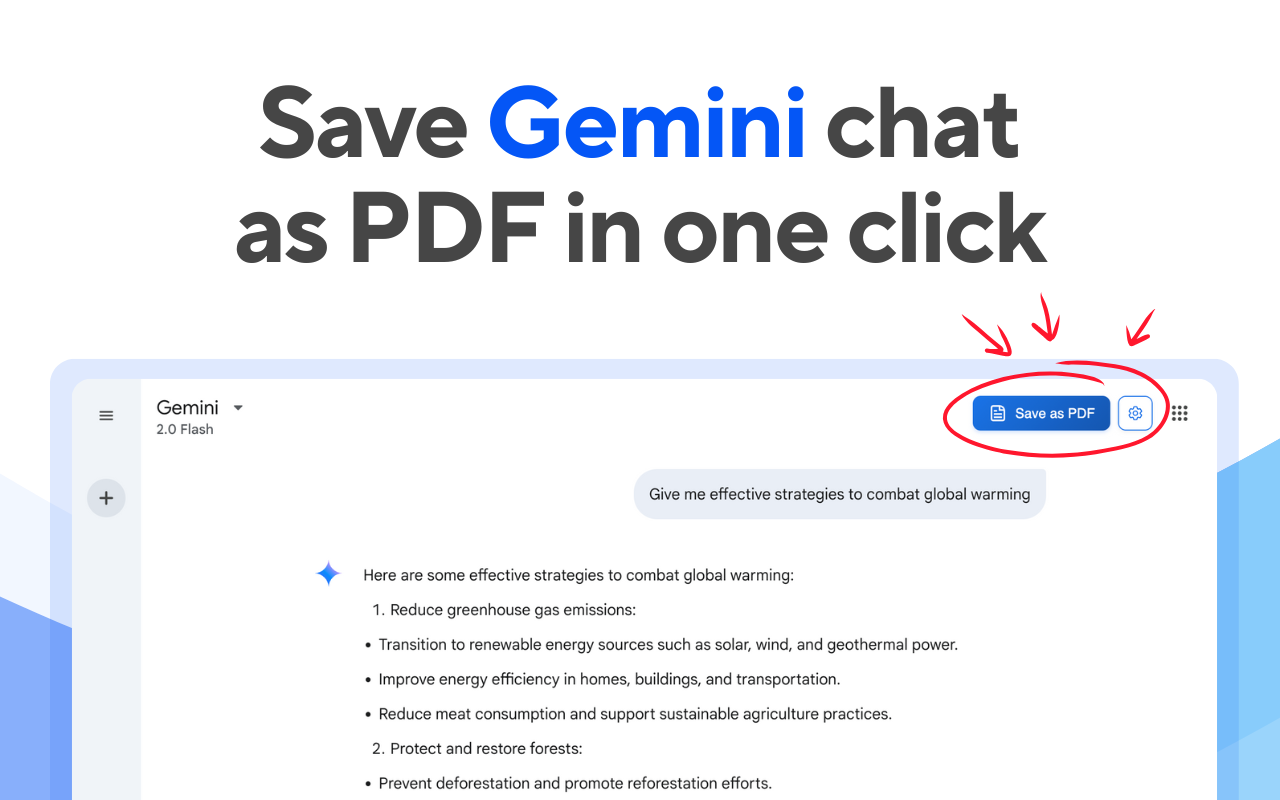
Find the Export Button
Look for the "Save as PDF" button in the top-right corner of your chat window. This button appears automatically on all Gemini Chat pages.
3
Select Messages
Choose which messages you want to include in your PDF. You can:
- Select individual messages by clicking on them
- Use the "Select All" option to include everything
- Deselect messages you don't want to include
4
Customize and Export
Adjust your PDF settings and click "Export" to save your conversation. Available options include:
- Font size and style
- Page margins
- Header and footer customization
- Code block formatting